


A golden tree floats over a green valley, and on my phone it was the size of a stamp. My sister was squinting over my shoulder on the sofa. That was the night I moved short dramas to the TV, and it took about two minutes.
Open freedrama.ai in a browser, then send that browser to the TV. You need no drama app on the TV and none on your phone.
The shape of the picture
Short dramas are filmed tall, for a phone held upright, and a TV is wide, so the picture sits in the middle of the screen with dark bars down both sides. Nothing is broken. Really.
Pick the top quality in the player before you send it. Every series I tried on freedrama.ai has a Quality menu, and on two of the three we tested on 10 November 2026 the top choice was 1080p. On a big screen you see that difference at once.
Four ways, from quickest to steadiest
| Way | You need | Best part | Watch out for |
|---|---|---|---|
| The TV's own browser | A smart TV with a browser | No other device in the way | Typing with a remote is slow |
| Cast a Chrome tab | A laptop with Chrome, a Chromecast or Google TV | A sharp picture, the laptop as remote | Both on the same Wi-Fi |
| Mirror your phone | AirPlay for an iPhone, Smart View or Screen Cast on Android | You carry on where you stopped | Your notifications show up too |
| A cable | A laptop and an HDMI cable | Never drops | A cable long enough for the sofa |
Checked on 10 November 2026 with freedrama.ai in Chrome on a laptop and in a phone browser.
With the TV's own browser, go to freedrama.ai and pick a series with the arrow keys. Old TV browsers can be slow, so give the first episode a moment. Bookmark the page once, and next time it is two clicks from the home screen.
To cast, open the series in Chrome, then choose Cast in Chrome's menu and pick your TV. Start the episode on the laptop first, then switch it to full screen. The tab keeps playing on the TV even when you open another window on the laptop, which is handy when someone wants to look up an actor.
To mirror an iPhone, open Control Centre and tap Screen Mirroring. Many Android phones call the same switch Smart View or Screen Cast.
A cable is the dull answer, and the one that never drops. Set the laptop's display to mirror, open the episode full screen, and sit back. Done.
I cast a Chrome tab every time. The laptop stays on the coffee table as a remote, and nobody has to hand over their phone.
Two series that need the big screen
Elf King Bred Me, Now He Hunts ME opens on a floating island with a giant golden tree, and the elven palace is all white arches and green silk. Nina, a human slave in the elven kingdom, spends one night with King Thranduil and is cast out over a forged prophecy. Months later she has to sneak back to save their son.

That island is a smudge on a phone. Up on the TV you can count the waterfalls, and the king's embroidery stops being a green blur.
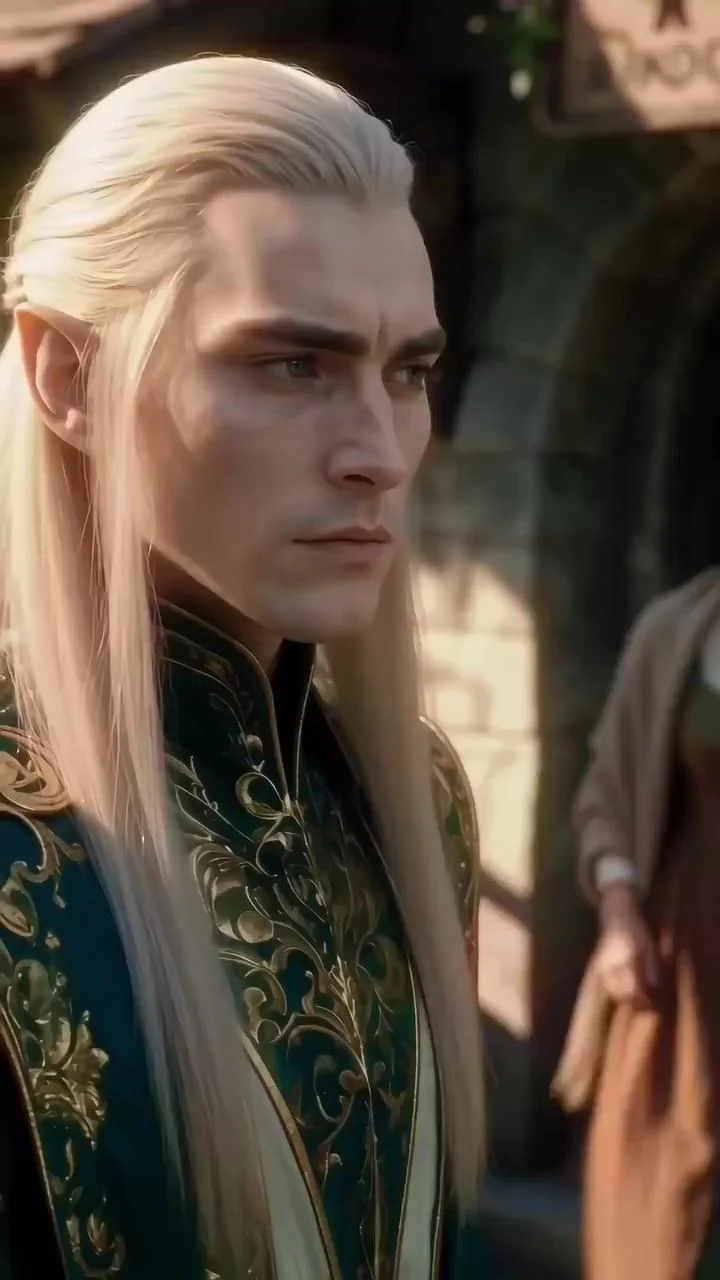
The first ten episodes are free.
My fallback for a different mood is The World Shall Tremble Before Hades, which swaps the magic for fury. The man who runs Hades's Hall hears that his wife is being humiliated and comes home to settle it.
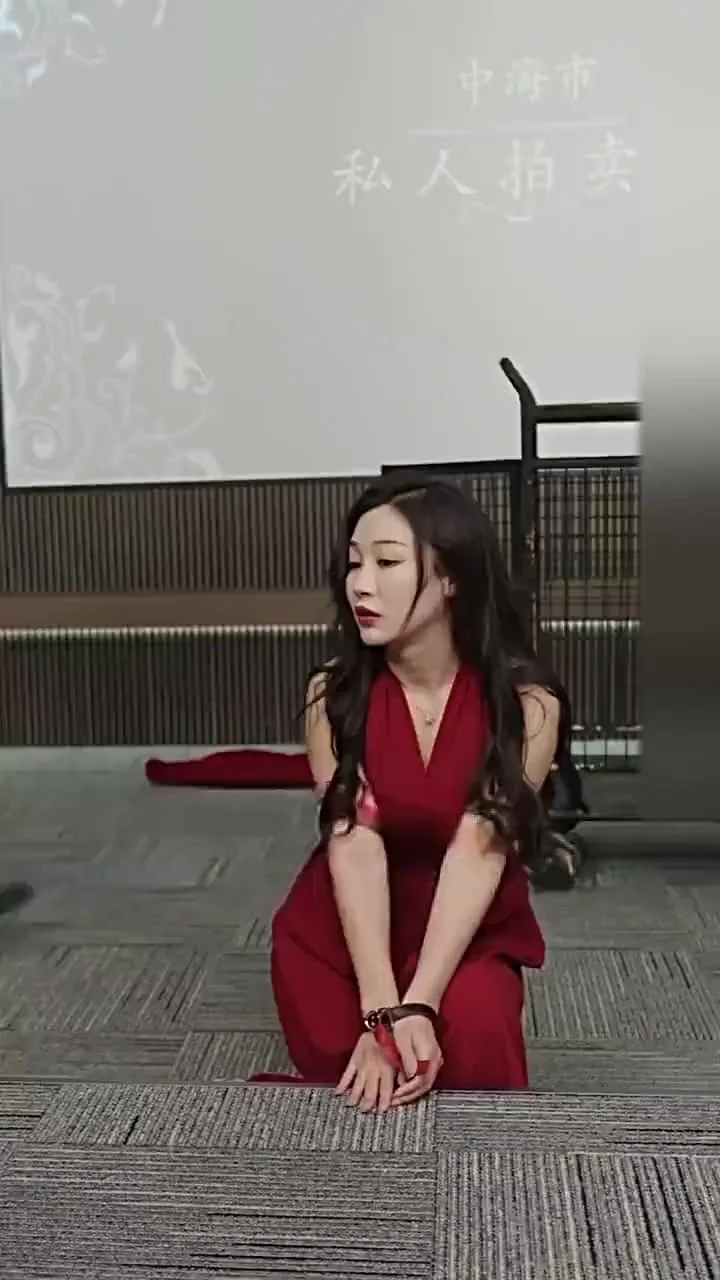
It suits a room full of people, because everyone shouts at the screen when the bad guys get theirs. The first ten episodes are free here too.
Before you press play
- Quality set to the top choice in the player.
- Phone or laptop on the same Wi-Fi as the TV, if you cast or mirror.
- Do Not Disturb on, if you mirror a phone.
- Volume up on the TV, not only on the phone.
What I would do tonight
Cast a Chrome tab from your laptop if you have a Chromecast or Google TV, set the quality to the top choice, and start Elf King Bred Me, Now He Hunts ME. Without a Chromecast, plug in an HDMI cable and put on The World Shall Tremble Before Hades for a loud night with friends.


